Plan the right NAS for your storage and backup needs.
Compare capacity, RAID, drive bays, backup, Plex, networking and expansion.
Capacity · RAID · drives · backup · Plex · networking · expansion
Start with a decision
Tools
NAS Drive Compatibility Checker
Compare listed NAS drive-bay requirements with a specific HDD or SSD.
Open toolNAS Capacity Calculator
Plan usable NAS storage from current data, growth, and free-space reserve.
Open toolRAID Capacity Calculator
Estimate usable RAID capacity from drive count, size, and RAID level.
Open toolLatest guides
Five-Year Cost of a NAS
A NAS costs more than its enclosure. This five-year model includes drives, redundancy, electricity, backups, replacements, upgrades, noise, and expansion so you can compare systems on total cost of ownership.
Read guideSafe Hard Drive Temperatures in a NAS
Learn which NAS drive temperatures are generally normal, when heat signals a cooling problem, and how to diagnose rising temperatures. This guide also connects cooling decisions to drive life, noise, power use, RAID, backup, and total cost of ownership.
Read guideWhere Should You Put a NAS in Your Home?
The best NAS location balances wired network access, airflow, dust control, physical security, and noise. Use this guide to choose a practical room and estimate the NAS’s full cost over time.
Read guideShould NAS Drives Spin Down?
Spinning NAS drives down can reduce electricity use and noise, but the savings depend on how often the disks are accessed and how long they remain idle. This guide explains the energy calculation, drive-wear trade-offs, and when spin-down makes practical sense.
Read guideNAS Electricity Cost Calculator
Estimate your NAS’s monthly and yearly electricity cost from its average wall power and local utility rate. Then extend the calculation into a practical total-cost model covering drives, redundancy, backup, replacement, and supporting equipment.
Read guideNAS Build Compatibility Checklist
Verify drive bays, CPU, RAM, PCIe lanes, networking, PSU, cooling, and expansion before assembling a NAS. This checklist helps prevent expensive compatibility mistakes.
Read guideRackmount vs Tower NAS
Rackmount NAS systems suit dense, structured installations, while tower NAS systems are usually easier to place quietly in homes and small offices. Choose between them by starting with drive count, workload, expansion needs, noise tolerance, and the location where the system will run.
Read guideLow-Power NAS Build Guide
Build a NAS that stays efficient around the clock by sizing the drive count, CPU, memory, networking, case, and power supply to your actual workload. This guide also explains when an appliance is a better choice than a flexible DIY system.
Read guideHow Much Storage for 4 Security Cameras?
Four security cameras can require anywhere from a few hundred gigabytes to several terabytes, depending on bitrate, codec, recording schedule, and retention. Use the formulas and examples below to size a NAS or NVR without confusing usable capacity with raw drive capacity.
Read guideBrowse storage
NAS systems, internal hard drives and SSDs.
Popular filters
Recently added
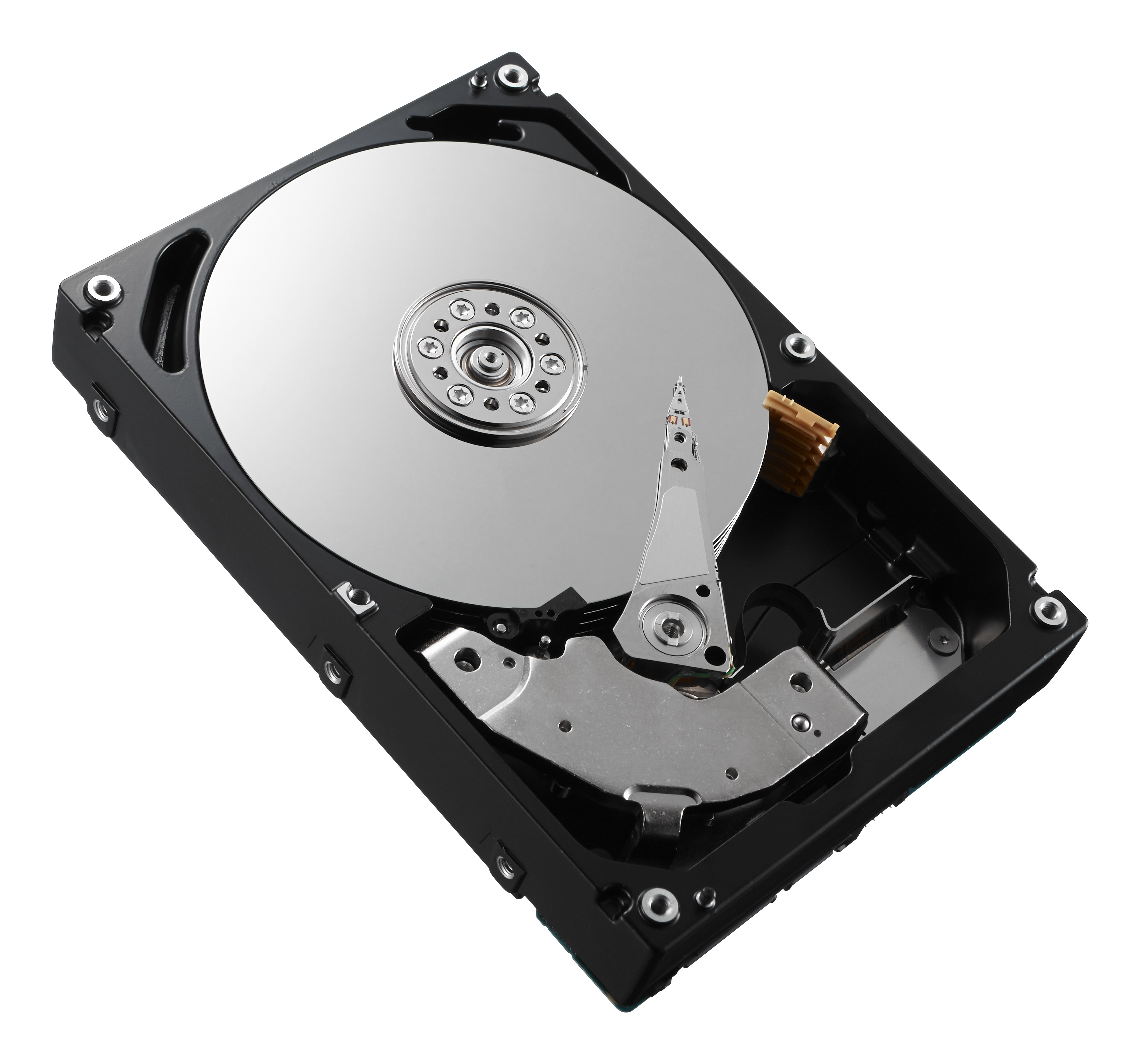
DELL 85KCH-CL internal hard drive 3 TB 7200 RPM 3.5" SAS
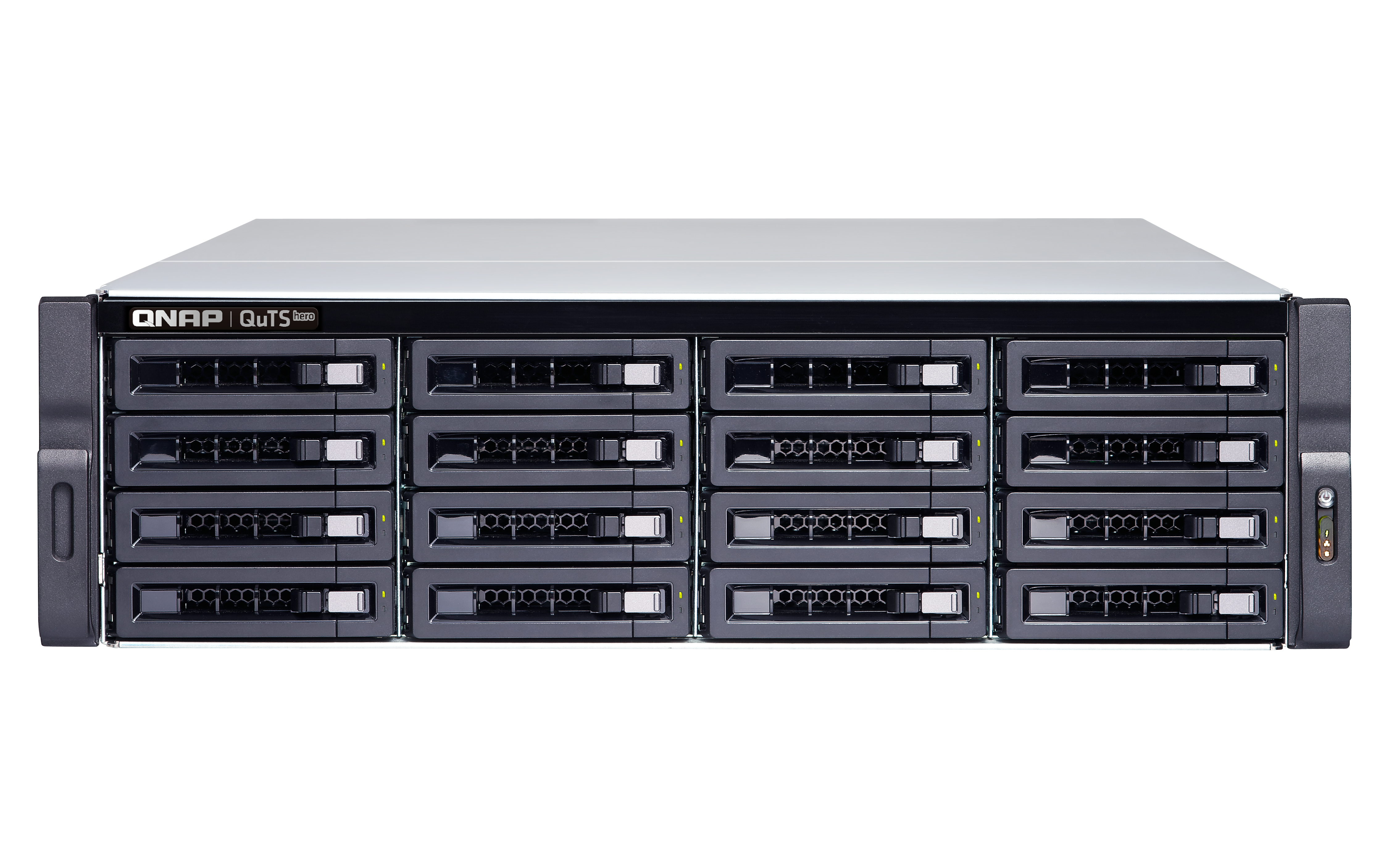
QNAP TS-h1683XU-RP NAS Rack (3U) Intel Xeon E E-2136 128 GB DDR4 96 TB QuTS hero Black
QNAP TS-h1683XU-RP NAS Rack (3U) Intel Xeon E E-2136 128 GB DDR4 32 TB QuTS hero Black
QNAP TS-h1683XU-RP NAS Rack (3U) Intel Xeon E E-2136 128 GB DDR4 288 TB QuTS hero Black
QNAP TS-h1683XU-RP NAS Rack (3U) Intel Xeon E E-2136 128 GB DDR4 256 TB QuTS hero Black
QNAP TS-h1683XU-RP NAS Rack (3U) Intel Xeon E E-2136 128 GB DDR4 64 TB QuTS hero Black
NASFit uses structured product specifications to help compare NAS hardware and storage and make practical decisions. Missing specifications stay unknown.